Chamber
The best free prescription app for doctors in Bangladesh (2026)
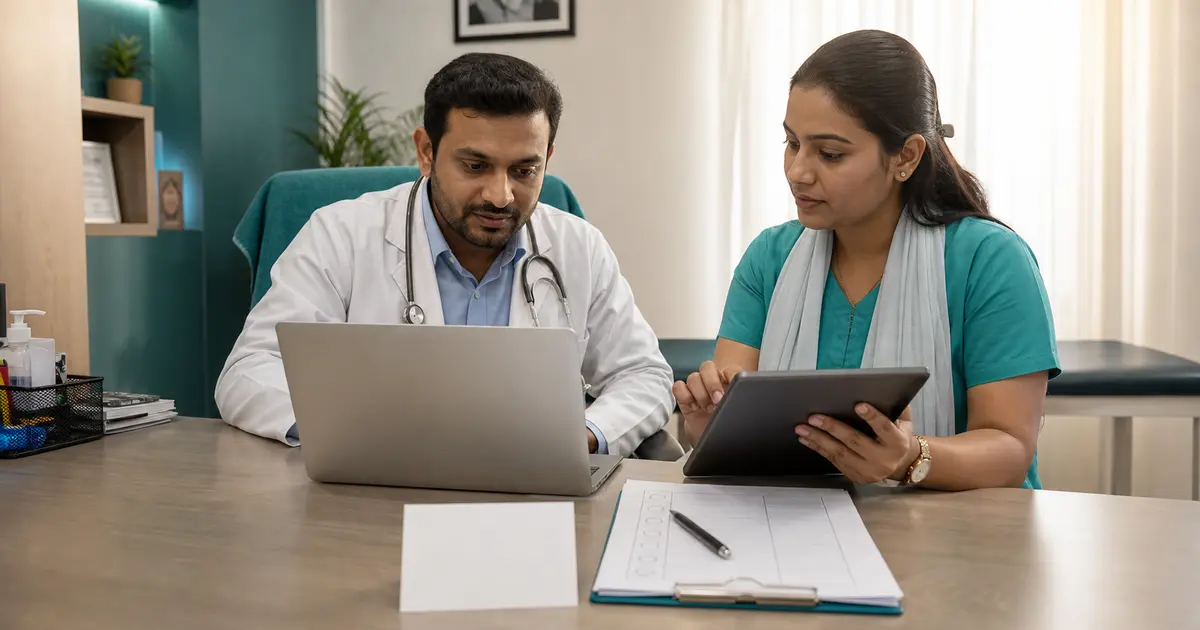
Most doctors in Bangladesh already run half their chamber from a phone — calls from patients, serial numbers on WhatsApp, a quick photo of a report. A free prescription app for doctors turns that same phone into a clean, printable, shareable prescription pad: no paper, no Play Store install, no monthly bill. This guide explains what a "prescription app" really means in 2026, why a free one beats a paper pad for a busy chamber, exactly what to look for before you trust one, and how to use one on your phone during a real clinic session.
If you just want to try it, open our free prescription generator on the phone you are holding right now. It loads in the browser, lets you write a prescription, and then print it, save it as a PDF or image, or share a link — all without signing up. The rest of this page covers the decisions worth making first.
What a "prescription app" actually means (and do you need to install one?)
The word app trips a lot of doctors up. It makes you picture the Play Store, an APK, storage warnings, and an update every other week. For prescriptions, you almost never need any of that. A prescription app today comes in two honest forms, and knowing the difference saves you time and money.
- A web app (browser app). You open a web address in Chrome, Safari or any phone browser and the prescription pad simply appears. There is nothing to download from the Play Store, nothing to update, and usually nothing to sign up for. It behaves like an app — full screen, fast, works on phone, tablet and laptop — but it lives on the web. ChamberBD's prescription generator is exactly this kind of mobile prescription app.
- A full account app. Once digital prescribing becomes your daily habit, you log in to a fuller system that also remembers patients, appointments, serials and reminders. This is still reachable from any browser, and it is where a free generator grows into a complete doctor prescription app for Bangladesh.
So the honest answer to "do I need to install a prescription app?" is: no, not for writing and printing prescriptions. A good web app needs only a browser and an internet connection. You can even add it to your home screen so it opens with one tap, exactly like a downloaded app, without ever visiting the Play Store. That is the whole appeal of a phone-first tool — the lowest possible barrier between you and a clean printed page.
Why a free app beats a paper pad for a busy chamber
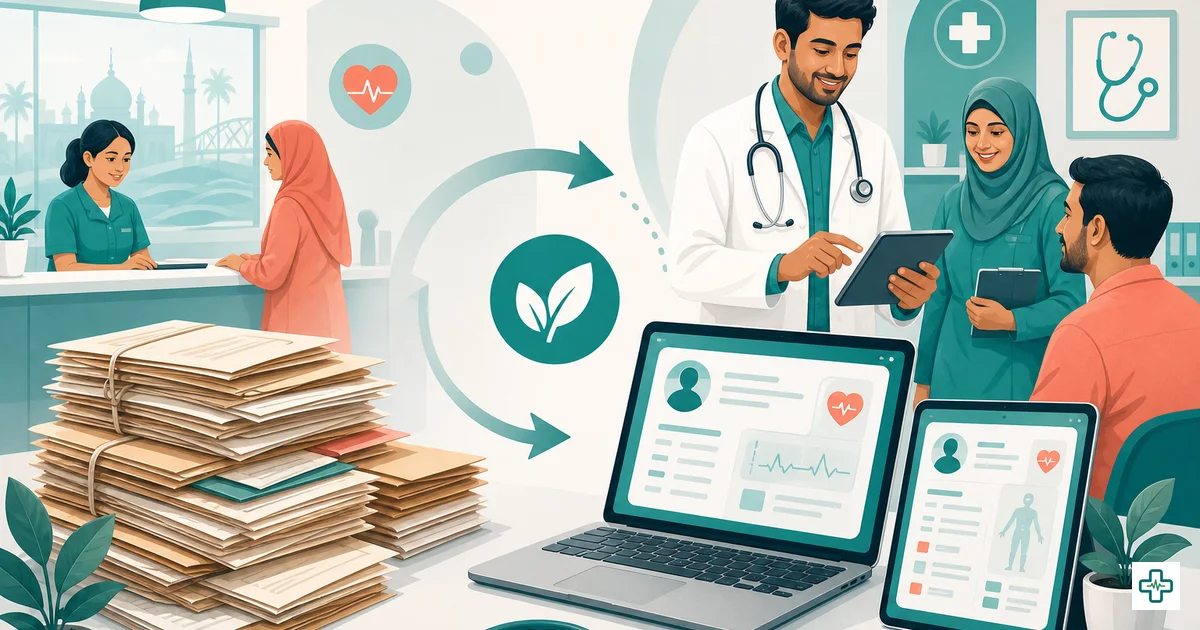
This is not about looking modern. A prescription app for doctors solves specific, daily problems that every chamber doctor in Bangladesh will recognise the moment they read them.
- Legibility. "Doctor's handwriting" is a national joke until a pharmacist dispenses the wrong drug because two names looked alike. A printed prescription removes that risk entirely — the single biggest safety win of going digital, and the reason our guide to prescription writing rules in Bangladesh keeps returning to clarity.
- A professional image on every page. A clean prescription carrying your logo, name, qualifications and BMDC number tells the patient they are in careful hands. It is quiet marketing that travels home in the patient's hand and gets shown to the whole family.
- Reprints and sharing. Paper is lost on the bus, soaked in monsoon rain, or thrown away by mistake. A digital prescription can be reprinted, saved as a PDF, or shared as a link the patient opens on their own phone — no more "doctor, I lost the paper".
- Speed at volume. When you are seeing sixty to a hundred patients in one evening, picking a medicine from a database that already remembers the strength is far faster than writing each line by hand. The minutes saved per patient add up to a calmer chamber.
- Cost. A free app costs nothing where the printed pad, the rubber stamp and the reprints quietly add up. If you want the full picture, our paper vs digital chamber cost comparison puts real numbers against the habit.
What to look for in a free prescription app
Not every free tool deserves your evening. "Free" can hide a watermark you cannot remove, a sign-up wall, or a layout that looks unprofessional next to a printed pad. Before you trust a free prescription app with a real patient's page, run it through this checklist.
| What to look for | Why it matters in a Bangladeshi chamber |
|---|---|
| A real medicine database with autocomplete | Typing brand names by hand on a phone is slow and error-prone. Autocomplete from a large, local database keeps names legible and correct, and is much faster at volume. |
| A branded, BMDC-ready header | The page must carry your name, qualifications, BMDC registration number, chamber name, address and hours, plus space for a signature — the marks of a professional prescription. |
| Custom logo, colours and footer | Your chamber's identity should be on every page. Look for logo upload (with crop), header and footer text, and colour control so the printout looks like your pad. |
| Print, PDF, image and share-link output | You will need to print in the chamber, save a PDF for records, send an image on WhatsApp, and share a link the patient opens on any phone. A good app does all four. |
| Works smoothly in a phone browser | A true mobile prescription app loads fast on a phone, keeps an autosaved draft locally so a dropped signal does not erase your work, and needs no install. |
| A path to patient records | A pure generator is great for printing, but the moment you want history and reprints tied to a patient, the same platform should offer records — without forcing you to switch tools. |
| Sensible privacy | Patient data is sensitive (YMYL). Prefer a tool that keeps your draft on your own device, and where any share link is temporary unless you choose to save it permanently. |
ChamberBD's generator was built around this list. It runs in the browser, autocompletes from a 23,000+ medicine database once you have a free account, lets you upload and crop a logo, set header, footer, colours, page colour and a watermark, and then print, save as PDF, save as a PNG image, or create a share link that opens on any phone. The draft autosaves in your browser as you work. It even offers two writing modes, covered below.
Classic form vs Canvas: two ways to write on a phone
One detail that matters on a touchscreen is how you write the prescription. A good mobile prescription app gives you a choice.
- Classic mode is a structured form. You fill in the patient's details, add each medicine with its dose, frequency and duration, and type your advice. The app lays it out as a neat, consistent prescription every time. This is the fast option when you are seeing many patients, because the format never slips.
- Canvas mode is a blank pad you write on freehand with your finger or a stylus, exactly like a paper prescription — handy on a tablet, or when you want to sketch, draw an arrow, or write in mixed Bangla and English the way you always have. It feels familiar while still producing a clean, shareable file.
Most doctors settle on Classic for everyday speed and keep Canvas for the cases where a freehand note is simply quicker. Having both in one free tool means you never have to compromise on the phone.
Free vs paid prescription apps: what you actually get
"Free" means three different things, and the marketing rarely makes it clear. Here is the honest comparison for a doctor in Bangladesh choosing between a no-sign-up generator, a free account, and paid practice software.
| What you get | Free generator (no sign-up) | Free ChamberBD account | Paid practice software |
|---|---|---|---|
| Cost | Free | Free | Monthly fee |
| Install from Play Store | No — opens in browser | No — opens in browser | Sometimes |
| Sign-up needed | No | Yes (free) | Yes |
| Printed, branded prescription | Yes | Yes | Yes |
| Custom header, logo, footer | Yes | Yes | Yes |
| Medicine database autocomplete | Limited | 23,000+ medicines | 23,000+ medicines |
| Patient records & history | No | Yes | Yes |
| Shareable prescription link | 7-day link | Permanent, QR-verified | Permanent |
| Appointments, serial & queue | No | Yes | Yes |
| SMS reminders | No | Yes | Yes |
| Reusable templates | No | Yes | Yes |
The practical lesson: a doctor who simply wants a clean prescription to print should start with the free prescription generator — it asks for nothing. A doctor who wants the prescription to remember the patient — history, reprints, reminders, serials — should take the free ChamberBD account, which costs nothing and includes a 14-day Pro trial, and unlocks the full medicine database, records and permanent QR-verified links. Paid features earn their fee only when you need the heavier workflow of a busy multi-room chamber.
Using a prescription app on your phone in a real chamber
Here is what a first prescription looks like, start to finish, on the phone in your pocket. It takes a couple of minutes the first time and seconds once your header is set.
- Open the app in your browser. Go to the prescription generator. There is nothing to install. Tap the share or menu button and "Add to Home Screen" so it opens with one tap next time, just like a downloaded app.
- Set your header once. Type your name, qualifications and BMDC registration number, then your chamber name, address and hours. Upload and crop your logo. Pick header and footer colours and a page colour if you want. This becomes your permanent pad — you only do it once.
- Add the patient. In Classic mode, enter the patient's name, age and sex, and the date. Or switch to Canvas mode if you would rather write the whole page freehand.
- Add medicines. Start typing a drug name; with a free account, the 23,000+ database autocompletes it. Add the dose, frequency and duration for each, then your advice and any follow-up date.
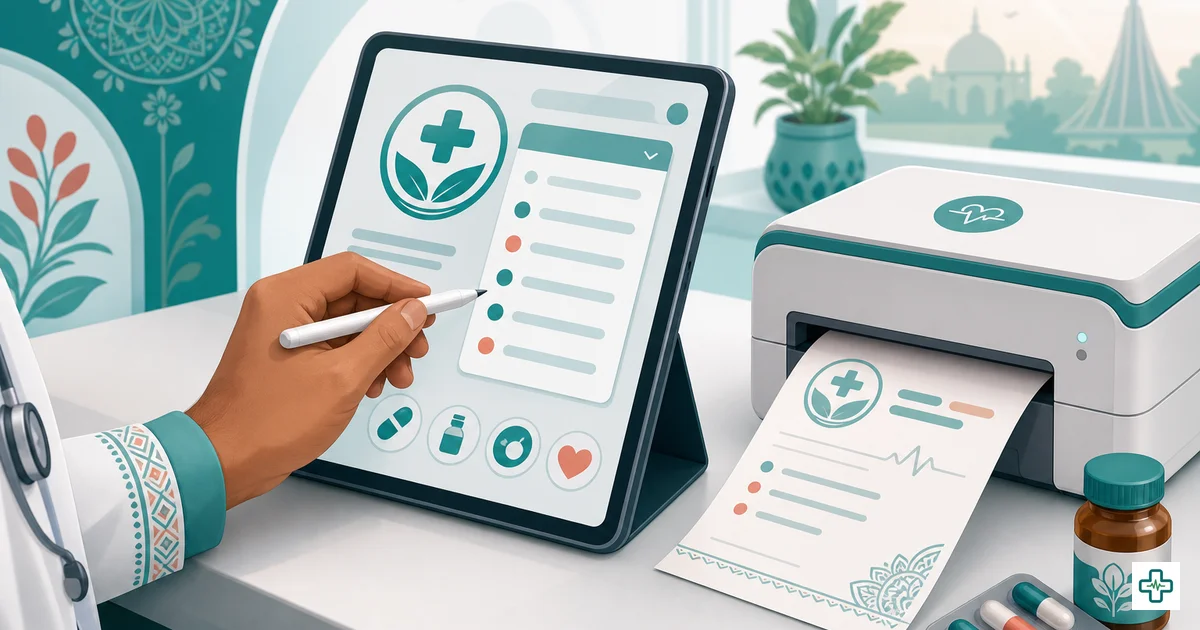
- Output it. Print straight to a chamber printer, save as a PDF for your records, save as a PNG image to send on WhatsApp, or create a share link the patient opens on their own phone. The draft has been autosaving the whole time, so nothing is lost if your signal drops.
That is the entire loop. If you want a slower, screenshot-by-screenshot walkthrough, our guide on how to make a prescription online for free takes it one step at a time, and free e-prescription software in Bangladesh compares the wider category.
A note on who may prescribe, and on accuracy
This article is general information about tools, not medical or clinical advice, and it is not a substitute for a doctor's judgment. A prescription app does not change who may prescribe. In Bangladesh, only practitioners registered with the Bangladesh Medical & Dental Council (BMDC) may issue prescriptions for real patients, and for modern (allopathic) medicines that means a registered medical or dental practitioner within their scope. The BMDC registration number printed on the page is what lets a pharmacist or patient confirm a qualified, registered doctor issued it. For the full picture, see who can write a prescription in Bangladesh. The app keeps that identity block accurate and legible; it never invents doses or clinical claims, and neither should anyone using it.
ChamberBD as a free prescription app: tool now, account for records
The simplest way to think about ChamberBD is as two steps that cost nothing to start. The tool is the free prescription generator — a browser-based mobile prescription app that needs no install and no sign-up. Open it, build your branded pad, and print, PDF, image or share a prescription from any phone. It is enough on its own for a doctor who just wants clean printed pages.
The account is where it becomes a complete doctor prescription app for Bangladesh. A free ChamberBD account adds the 23,000+ medicine autocomplete, patient records and history, permanent QR-verified prescription links, online appointments with serials and a queue display, SMS reminders, reusable templates, and income and reports — the whole chamber, not just the pad. You grow into it the day you want the prescription to remember the patient. If you are comparing your wider options, our roundup of the best software and apps for doctors in Bangladesh places the prescription pad in context.
None of it replaces clinical judgment. It simply stops good judgment from being undone by a rushed, illegible page — from the phone you were already holding.
Frequently Asked Questions
Is there a genuinely free prescription app for doctors in Bangladesh?
Yes — ChamberBD's prescription generator opens in any phone browser, free and without sign-up. You write a prescription and then print it, save it as a PDF or PNG image, or share a 7-day link. A free account adds a 23,000+ medicine database, patient records and permanent QR-verified links, also at no cost. You only pay if you later want heavier practice-management features.
Do I need to install a prescription app from the Play Store?
No. A good prescription app for doctors is a web app — you open a web address in your phone browser and the prescription pad appears, with nothing to download or update. You can tap "Add to Home Screen" so it opens with one tap like a downloaded app, but you never visit the Play Store or store an APK.
Does the prescription app work offline?
It needs an internet connection to load and to use the online medicine database, so it is not fully offline. But the draft you are writing autosaves locally in your browser, so a brief signal drop in the chamber will not erase your work — you simply continue when the connection returns.
What is the best mobile prescription app for a chamber doctor?
The best one prints a clean, branded prescription, autocompletes drug names from a real medicine database, and can print, save as PDF or image, and share a link from a phone. ChamberBD's generator does all of this in the browser with a Classic form mode and a freehand Canvas mode, which is why many Bangladeshi chamber doctors use it as their daily pad.
Can I put my logo and BMDC number on the prescription?
Yes. You can upload and crop your logo and set your name, qualifications, BMDC registration number, chamber name, address and hours, plus header and footer text and colours. Once set, this becomes your permanent branded pad on every page you print or share.
Is patient data safe when I use a free prescription app on my phone?
With ChamberBD's generator, the prescription you are writing stays on your own device as a local draft. If you create a share link it is stored only briefly and auto-deletes after 7 days, unless you use a free account to keep a permanent, QR-verified link. As always, follow good record-keeping practice for patient information.
Going digital does not have to be a big project or a monthly bill. Write one prescription on the free prescription generator from the phone you already use, see how a clean printed page changes the patient's experience, and when you want the prescription to remember the patient, create a free ChamberBD account and keep every record in one place.