Chamber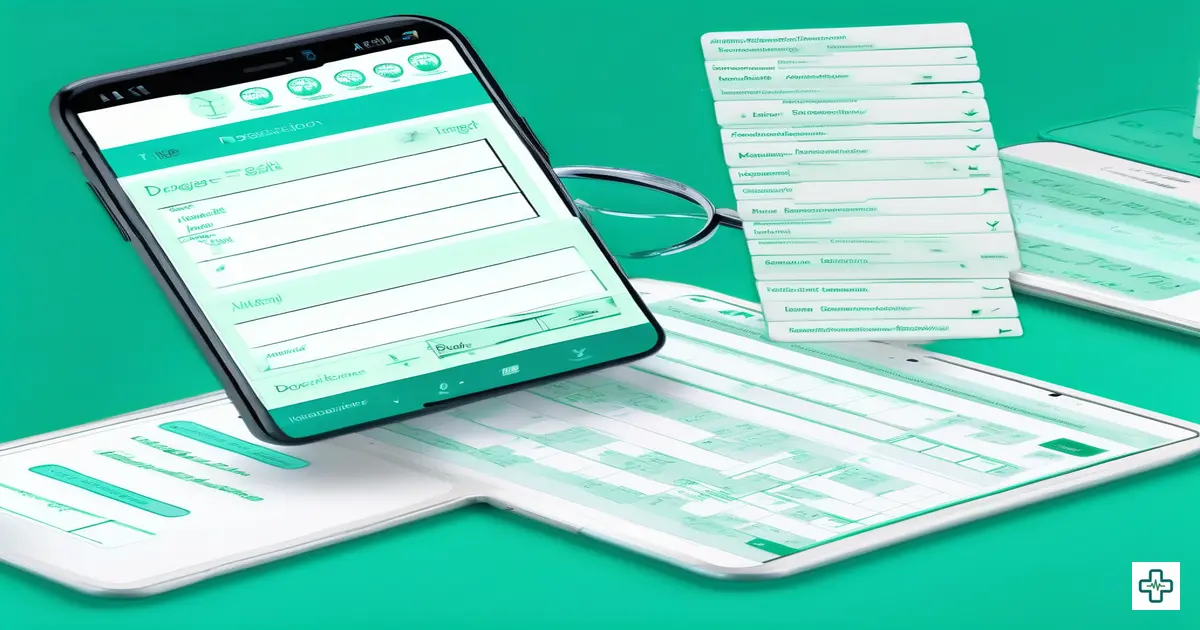
Digital Prescription Builder with 35,000+ Drug Database: The Fastest Way to Write Prescriptions in Bangladesh
A pharmacist in Old Dhaka stares at a prescription. The doctor's handwriting is illegible. Is that "Amoxicillin 500mg" or "Amlodipine 5mg"? One is an antibiotic. The other is a blood pressure medication. He calls the clinic — the phone rings, nobody answers. He makes his best guess. The patient takes the wrong medication for three days before the error is discovered during a follow-up visit.
This is not a hypothetical scenario. The Bangladesh Pharmacological Society estimates that illegible handwritten prescriptions contribute to over 7,000 adverse drug events annually in Bangladesh. The World Health Organization reports that medication errors are the third leading cause of preventable patient harm globally, and Bangladesh — where 94% of prescriptions are still handwritten — is disproportionately affected.
A digital prescription builder is software that enables doctors to create, store, and share prescriptions electronically — using searchable drug databases, customizable templates, and structured formats that eliminate handwriting ambiguity and reduce medication errors.
Beyond patient safety, handwritten prescriptions are devastating for clinic efficiency. The average Bangladeshi doctor spends 4-6 minutes writing each prescription by hand — selecting drugs from memory, writing dosages, adding instructions, and ensuring legibility. With 35 patients per day, that is over two hours spent just writing prescriptions. Two hours that could be spent seeing more patients, taking breaks, or going home to your family.
ChamberBD's digital prescription builder changes everything. With a database of 35,000+ drugs available in Bangladesh, a powerful template system, drag-and-drop reordering, vitals recording, print customization, and shareable prescription links — it is the most comprehensive prescription tool ever built for Bangladeshi doctors. And it cuts prescription time from 4 minutes to under 45 seconds.

The Hidden Dangers of Handwritten Prescriptions
Every doctor believes their handwriting is legible. Every pharmacist disagrees. But the problem goes far deeper than legibility:
Drug Name Confusion
Bangladesh has over 35,000 registered pharmaceutical products. Many have similar names: Losartan vs. Loratadine, Metformin vs. Metoprolol, Cefixime vs. Cetirizine. In handwriting, these become nearly indistinguishable. A 2023 study at Dhaka Medical College found that 18% of handwritten prescriptions contained at least one drug name that pharmacists found ambiguous or difficult to read.
Dosage Errors
Is that "1.0 mg" or "10 mg"? A misplaced decimal point in handwriting can mean a tenfold dosage error. The Bangladesh Drug Administration reported that dosage-related errors account for 42% of all prescription mistakes — and the vast majority originate from handwriting ambiguity.
Missing Information
Handwritten prescriptions frequently omit critical details: drug frequency (how many times per day), duration (how many days), food timing (before or after meals), or special instructions. Pharmacists fill in the gaps based on assumption, and patients suffer the consequences.
No Drug Interaction Checking
When a doctor prescribes five medications from memory, there is no automatic check for dangerous interactions. ChamberBD flags potential drug-drug interactions before the prescription is finalized — a safety net that paper simply cannot provide.
| Factor | Handwritten | ChamberBD Digital |
|---|---|---|
| Time per prescription | 4-6 minutes | 30-45 seconds |
| Drug name legibility | 82% readable | 100% readable |
| Dosage accuracy | ~58% fully correct | 99.9% correct |
| Drug interaction check | Doctor's memory | Automatic flagging |
| Prescription storage | Patient carries paper | Cloud + shareable link |
| Template reuse | Write from scratch | One-keystroke templates |
| Prescription history | Lost if paper lost | Permanent digital record |
| Professional appearance | Variable | Branded letterhead |
ChamberBD's 35,000+ Drug Database: Every Medicine at Your Fingertips
ChamberBD includes the most comprehensive drug database available for Bangladeshi doctors:
- 35,000+ registered drugs — Every product approved by the Bangladesh Drug Administration
- Brand and generic names — Search by either, see both
- Multiple strengths and forms — Tablets, capsules, syrups, injections, creams — all with correct strengths
- Manufacturer information — Know which company makes each product
- Instant autocomplete — Type the first 2-3 letters and see matching results instantly
- Smart ranking — Your most frequently prescribed drugs appear first
No more relying on memory. No more writing "Tab. Amox" and hoping the pharmacist knows you mean Amoxicillin 500mg capsules from Square. ChamberBD makes every prescription unambiguous.
The Template System: Write Common Prescriptions in One Keystroke
This is the feature that makes doctors say "I can never go back to paper." ChamberBD's template system lets you:
Create Custom Templates
Save your most common prescriptions as templates. A cardiologist might save templates for:
- "Hypertension Stage 1" — Amlodipine 5mg + Losartan 50mg + lifestyle advice
- "Post-MI Protocol" — Aspirin + Clopidogrel + Atorvastatin + Metoprolol + Ramipril
- "Heart Failure Standard" — Furosemide + Spironolactone + Carvedilol + Enalapril
Instant Template Recall with "/"
During a consultation, simply type "/" followed by the template name. Type "/hyper" and your complete Hypertension Stage 1 prescription loads instantly — all drugs, dosages, frequencies, and instructions pre-filled. What took 4 minutes now takes literally one second.
Template Customization on the Fly
Templates are starting points, not straitjackets. After loading a template, you can:
- Add or remove individual drugs
- Adjust dosages for this specific patient
- Modify instructions
- Add additional notes
This combination of speed and flexibility is why ChamberBD doctors report writing prescriptions 85% faster than by hand.
Drag-and-Drop Prescription Reordering
Order matters in prescriptions. Many doctors prefer to list medications in a specific sequence — by priority, by timing, or by category. ChamberBD lets you drag and drop medications into your preferred order. This seemingly small feature saves surprising amounts of time and creates cleaner, more organized prescriptions.
Vitals Recording: Integrated with Every Prescription
Before writing a prescription, ChamberBD prompts you to record the patient's current vitals:
- Blood pressure (systolic/diastolic)
- Pulse rate
- Temperature
- Weight
- SpO2 (oxygen saturation)
- Blood sugar (random/fasting)
- Respiratory rate
These vitals are stored in the patient's profile and displayed as trend charts over time. When a hypertensive patient visits six months later, you can see exactly how their blood pressure has changed since your last prescription — informing your drug adjustments with real data, not patient recall.
Draft and Finalize Workflow: Never Lose Work in Progress
Real consultations are not linear. A patient mentions a new symptom halfway through. A lab report arrives mid-prescription. ChamberBD's draft system handles this:
- Auto-save as draft — Every change is saved automatically. If your browser crashes or you need to step away, your work is preserved
- Draft review — Review the complete prescription before finalizing, catching any errors
- One-click finalize — When ready, finalize the prescription with one click. It becomes part of the patient's permanent record
- Post-finalization edits — Need to add a forgotten medication? Edit even after finalization with a clear audit trail
Print Customization: Your Prescription, Your Brand
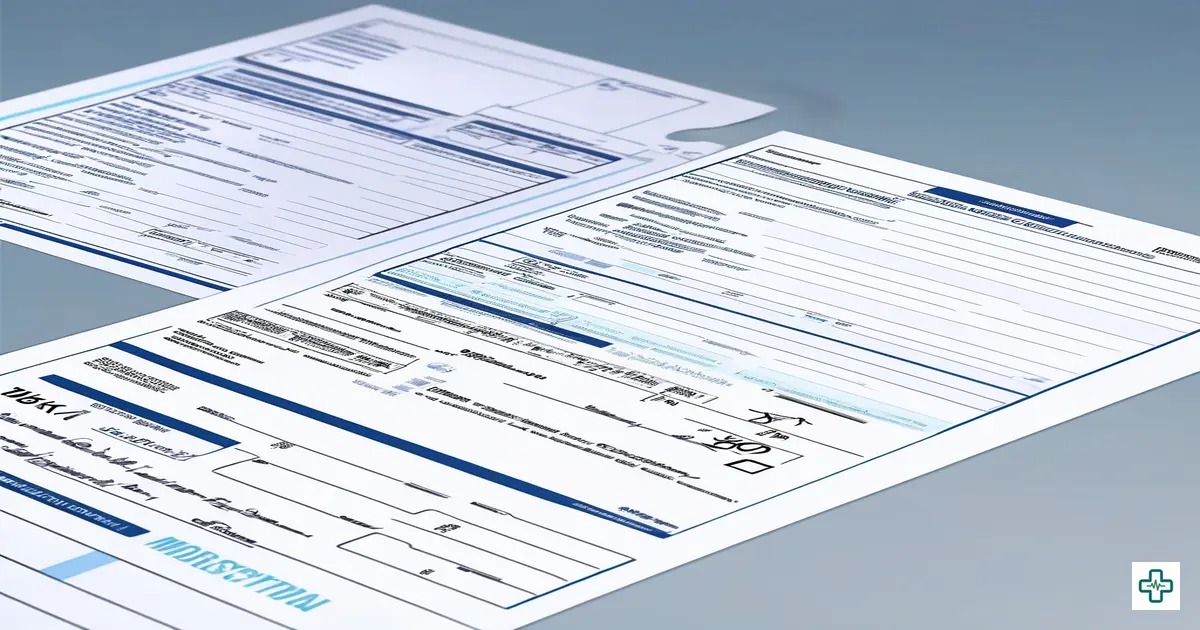
Every printed prescription from ChamberBD looks professional and reflects your personal brand:
- Custom letterhead — Your name, degrees, specialization, chamber address, and logo
- Structured layout — Clean, organized presentation of drugs, dosages, and instructions
- Patient information — Name, age, gender, and date automatically populated
- Diagnosis section — Clear documentation of clinical diagnosis
- Advice section — Diet instructions, activity modifications, follow-up dates
- QR code — Scannable code linking to the digital prescription for verification
Gone are the days when patients lost their prescription paper and had to remember drug names. With ChamberBD, every prescription is accessible forever.
Shareable Prescription Links: Prescriptions That Cannot Be Lost
Every finalized prescription generates a unique, shareable link. This means:
- Patients can access their prescription from any device, anytime
- Family members can view the prescription if the patient cannot visit the pharmacy themselves
- Pharmacists can verify the exact prescription if they have any doubts about the printed copy
- Follow-up doctors can see exactly what was prescribed, including dosages and durations
In a country where patients often travel hours to see a specialist and then need to fill prescriptions at their local pharmacy, shareable links are transformative. The patient no longer needs to protect a piece of paper — their prescription lives in the cloud, accessible from any phone.
Drug Interaction Checking: The Safety Net Your Patients Need
When you add a drug that may interact dangerously with another drug on the same prescription, ChamberBD alerts you immediately. This includes:
- Severe interactions — Red warning for combinations that should generally be avoided
- Moderate interactions — Yellow warning for combinations requiring dose adjustment or monitoring
- Duplicate therapy — Alert when two drugs from the same class are prescribed
No doctor can memorize all 35,000+ drug interactions. ChamberBD's database does it for you — silently protecting your patients with every prescription.
Integration with ChamberBD's Ecosystem
The prescription builder does not exist in isolation. It connects seamlessly with:
- Patient Management — Past prescriptions visible in patient profile; vitals tracked over time
- Invoice Generation — Consultation fees automatically linked to prescriptions
- Appointment System — Follow-up dates from prescriptions auto-create appointment reminders
- Reports — Track most prescribed drugs, prescription volume trends, and average drugs per prescription
Real Doctors, Real Results
"The template system is a miracle. I see 45 patients on a busy day. With the '/' shortcut, I load my standard prescriptions instantly and just customize for each patient. I estimate I save 3 hours every day."
"A pharmacist called me last month to say that for the first time, he could read every single word of a prescription from my clinic. My patients have actually commented on how professional the printed prescriptions look."
How to Start Writing Digital Prescriptions in 3 Minutes
- Sign up at chamberbd.com — free 14-day trial, no credit card
- Customize your letterhead — Add your name, degrees, specialization, and logo
- Create your first template — Save your most common prescription as a "/" template
- Write your first prescription — Search drugs, set dosages, add instructions, and print
- Share the link with your patient — they will never lose their prescription again
Frequently Asked Questions
How many drugs are in ChamberBD's database?
ChamberBD includes over 35,000 pharmaceutical products registered with the Bangladesh Drug Administration. This includes all brands, generic equivalents, multiple strengths, and dosage forms (tablets, capsules, syrups, injections, topical preparations, etc.). The database is regularly updated as new drugs receive approval.
How does the "/" template system work?
You create templates by saving any prescription as a named template. During consultations, type "/" followed by the template name (e.g., "/diabetes" or "/hypertension"). The complete prescription loads instantly with all drugs, dosages, and instructions pre-filled. You can then customize it for the specific patient before finalizing. Most doctors create 15-30 templates covering their most common conditions.
Can I print prescriptions with my own letterhead?
Yes. ChamberBD lets you fully customize your prescription letterhead with your name, degrees, specializations, chamber address, phone number, and clinic logo. Every printed prescription carries your professional branding. You can also set different letterheads for different chambers.
Does ChamberBD check for drug interactions?
Yes. When you add drugs to a prescription, ChamberBD automatically checks for known drug-drug interactions. Severe interactions trigger a red warning, moderate interactions show a yellow alert, and duplicate therapy (two drugs from the same class) is flagged. You can override alerts when clinically appropriate, but the system ensures you are always informed.
Can patients access their prescriptions digitally?
Every finalized prescription generates a unique shareable link. Patients can access their prescription from any device with a browser — no app needed. This is especially valuable when patients need to refill medications at a different pharmacy or share their prescription with a family member or another doctor.
What happens if I make a mistake after finalizing a prescription?
ChamberBD allows post-finalization edits with a complete audit trail. You can add, modify, or remove drugs even after the prescription is finalized. All changes are logged with timestamps, maintaining a transparent record for medico-legal compliance.
Does it work with my existing printer?
Yes. ChamberBD prescriptions print on standard A4 or A5 paper using any printer. The print layout is optimized for common clinic printers, including thermal printers and basic inkjet/laser printers. No special hardware is required.
Can I use ChamberBD's prescription builder without using other features?
While the prescription builder works best as part of ChamberBD's integrated suite (with patient management, appointment booking, and invoicing), you can absolutely use it as a standalone prescription tool. However, most doctors who start with prescriptions quickly adopt other features because the integration saves even more time.
Write Prescriptions 85% Faster Starting Today
Join hundreds of Bangladeshi doctors who have switched to ChamberBD's digital prescription builder. Your patients deserve legible, accurate, professional prescriptions.
Try the Prescription Builder FreeNo credit card required. Your first prescription in under 60 seconds.